Book and practise
Everything you book at GolfSpace is booked in the member portal. Here is what you have, what each thing is, and how to book it.
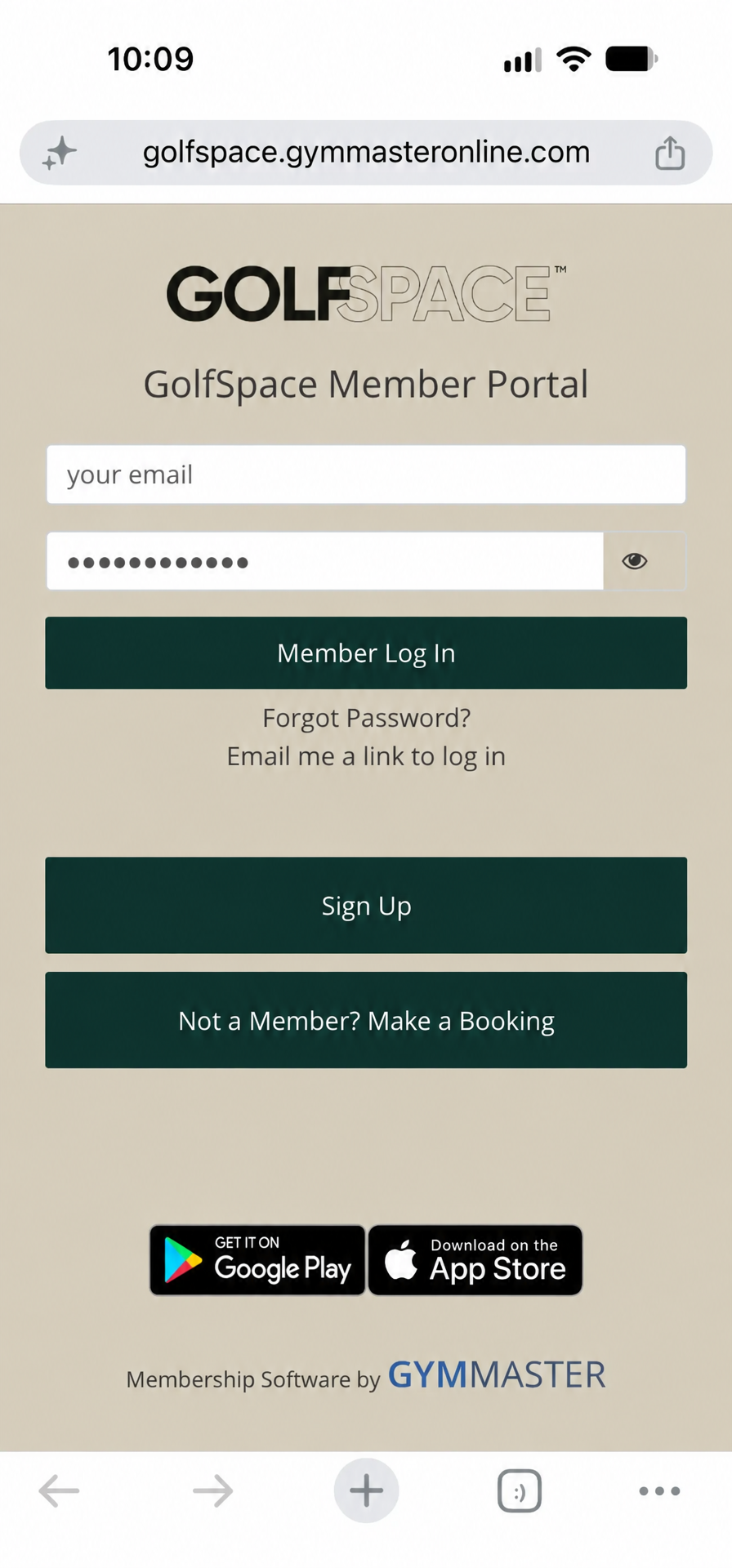
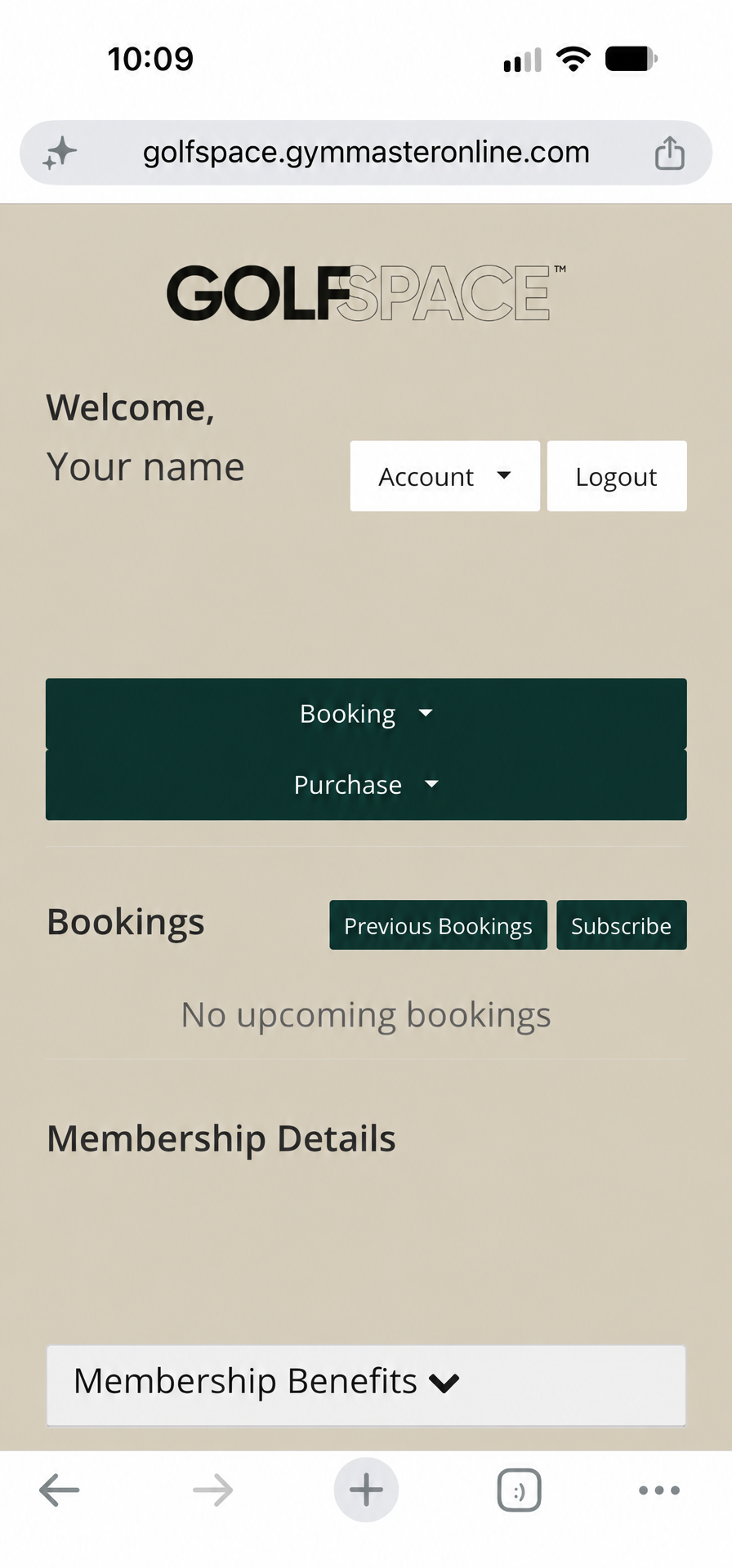
What the member portal looks like
What you have
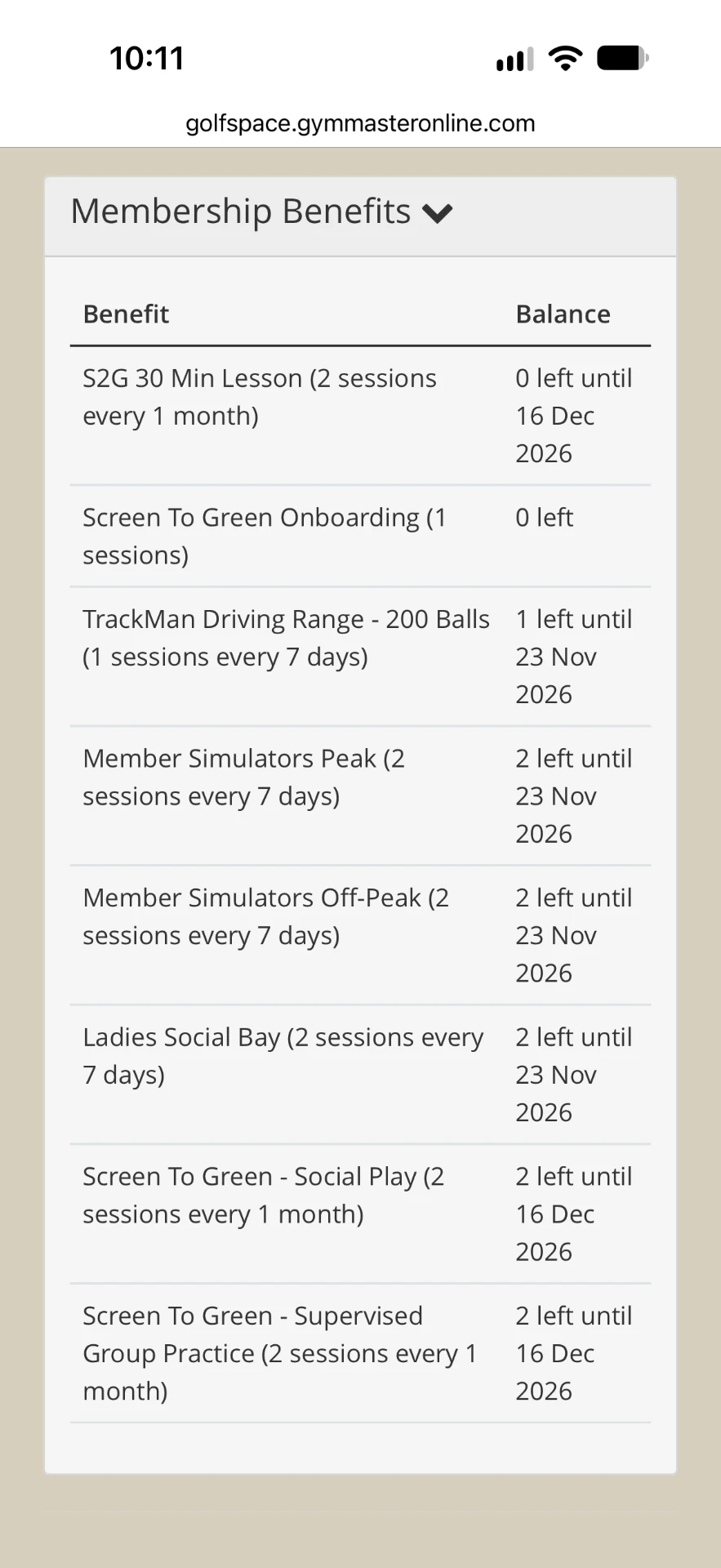
- 2 private lessons with Ben a month
- 2 peak and 2 off-peak simulator sessions a week
- 2 social bay sessions a week
- 2 Supervised Practice classes a month
- 2 Social Play classes a month
- 200 driving range balls a week
To see what you have left, log in to the member portal and open Membership Benefits.
Log in to the member portal
- Open the member portal
- Enter your email and password, then tap "Member Log In"
- First time, or forgotten your password? Tap "Email me a link to log in"
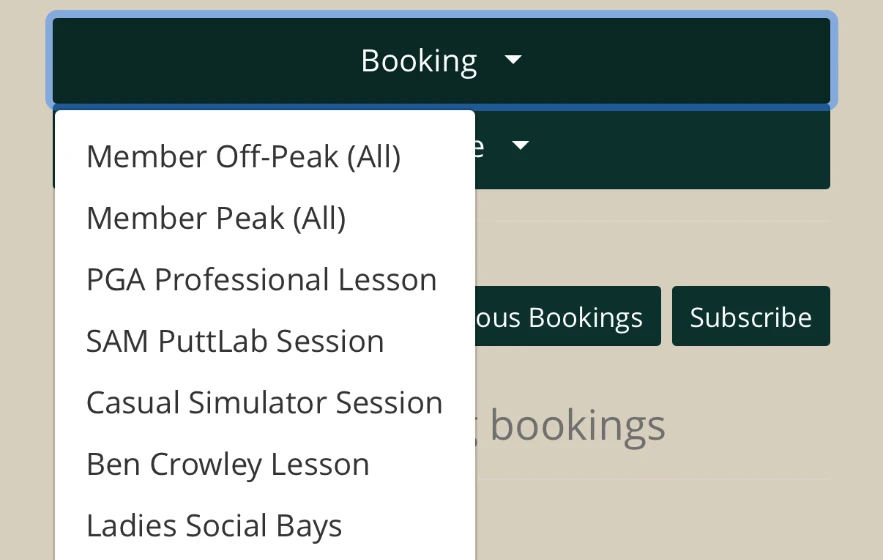
- Tap the "Booking" button to see what you can book
What to book
Private lesson with Ben
What it is: 30 minutes, one to one with Ben.
You get: 2 a month.
How to book: In the Booking menu, choose Ben Crowley Lesson. Pick your day and time, then confirm.
Simulator session
What it is: Your own TrackMan simulator bay, upstairs in the Reserve (6 bays) or downstairs (12 bays). Use it to play virtual rounds and practise your stages.
You get: 2 peak and 2 off-peak sessions a week.
How to book: In the Booking menu, choose Member Peak (All) or Member Off-Peak (All). Pick your day and time, then confirm.
Social bay
What it is: A simulator bay you share with other Screen to Green members, from 1 to 4 players. There is no coach. It is a relaxed way to play and meet the group. Social bays run in the mornings, evenings and at weekends.
You get: 2 a week.
How to book: In the Booking menu, choose Ladies Social Bays. Pick your day and time, then confirm.
Your weekly group class
We run 4 group classes every week. You can come to 4 a month, which is one a week if you like: 2 Supervised Practice and 2 Social Play. You choose the sessions that suit you.
Group class: Supervised Practice
What it is: A group class with Ben, with up to 24 ladies. Ben is there to guide your practice.
You get: 2 a month.
How to book: Ask Ben or any of the team how to book your first class.
Group class: Social Play
What it is: A group class where you play virtual golf together on London Gardens and Tokyo Gardens, with up to 24 ladies.
You get: 2 a month.
How to book: Ask Ben or any of the team how to book your first class.
Social bay or Social Play? A social bay is one simulator bay shared by up to 4 members, with no coach. Social Play is a group class of up to 24 ladies.
Peak and off-peak
Peak: Monday to Friday from 6pm until we close at 10pm, and all day Saturday and Sunday.
Off-peak: Monday to Friday before 6pm.
You will also see PGA Professional Lesson, Casual Simulator Session and SAM PuttLab Session in the Booking menu. These are not part of your Screen to Green inclusions, so leave them for now.
Simulator or driving range?
Simulator
Booked in the member portal. Your own bay, fully immersive. Best for playing virtual rounds and practising your stages.
Driving range
No booking, just walk up. Not timed. You see the full ball flight, with the same TrackMan technology. Best for a 30 minute practice and the short wedge shots in Level 1 where you can see more of the ball flight.
Try both. They are different spaces to practise in, and you will soon find what suits you.
Not sure about something? Ask Ben or any of the GolfSpace team.
Back to home