The Screen to Green app
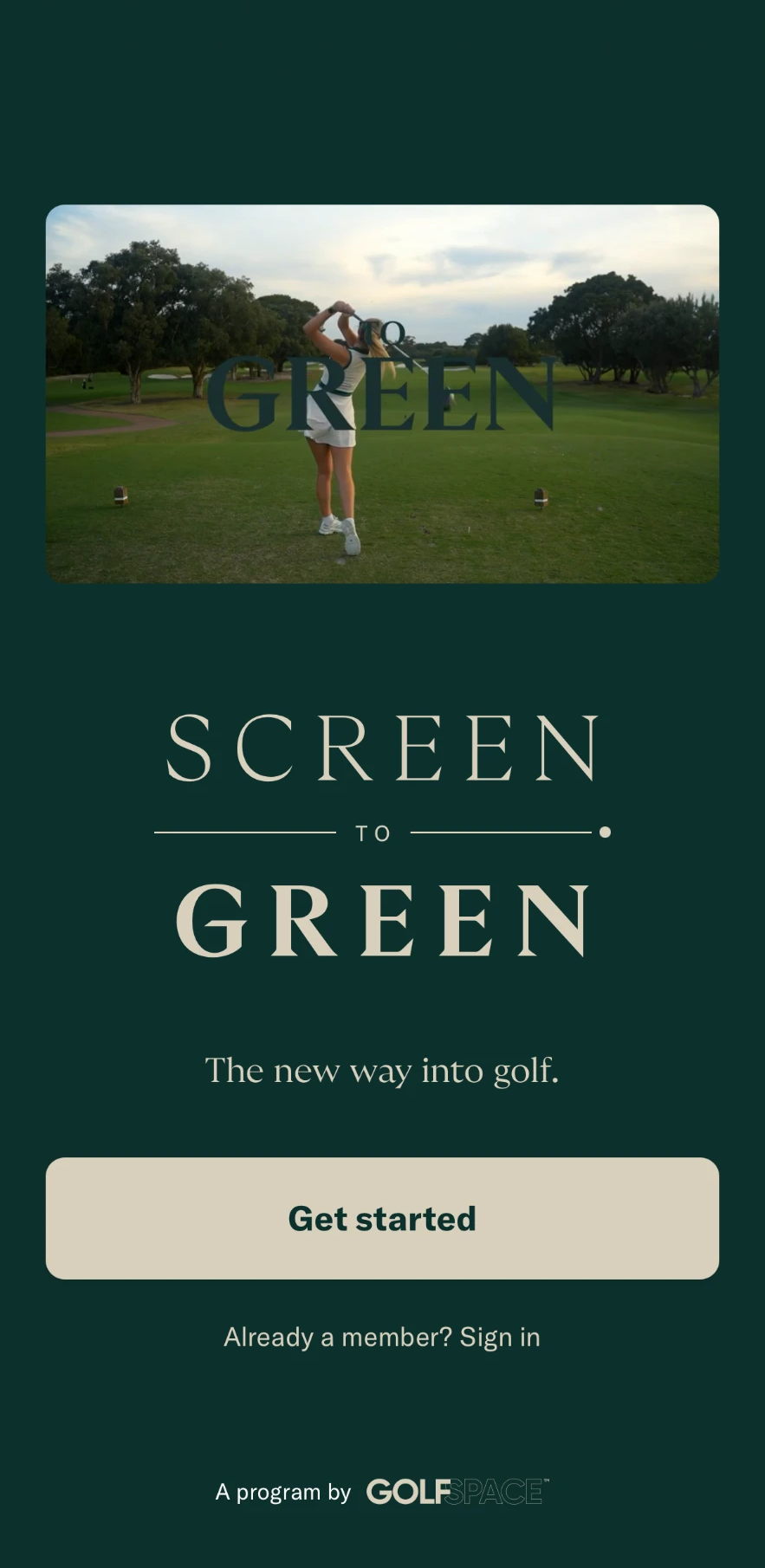
This is your program. Your levels, stages, scores and stars all live here. It opens in your phone's browser, so you won't find it in the App Store.
- On your phone, open app.screentogreen.com.au
- Tap "Get started"
- Enter the email address you joined with
- Check your inbox for an email from Screen to Green with your code
- Type in the code and you are in
Been in before? Tap 'Already a member? Sign in' instead.
Open the appAdd it to your home screen
- Open app.screentogreen.com.au in Safari
- Tap the Share button (the square with the arrow pointing up)
- Scroll down and tap "Add to Home Screen"
- Tap "Add"
Can't find the email? Check your junk folder, or ask us at the front desk.